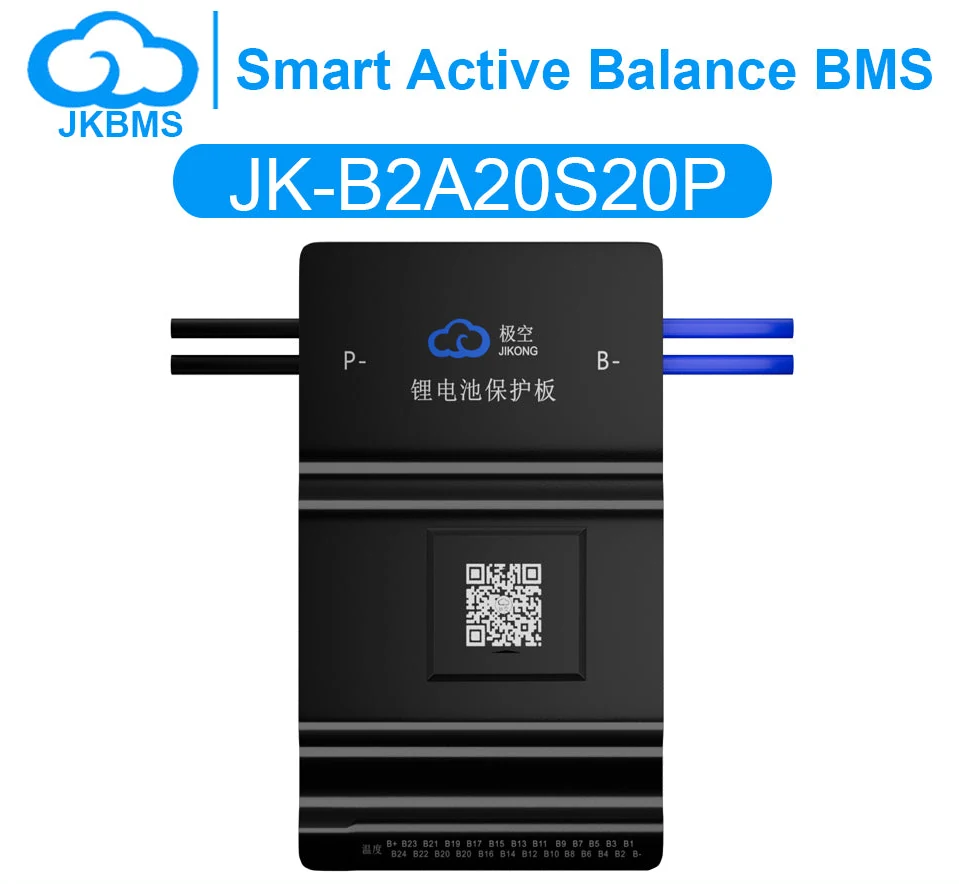
JK-B2A20S20P 8S-20S 200A 2A Active Balance Smart BMS
200A continuous BMS with 2A active balancing, common port. Supports Li-ion 7S–20S, LiFePO4 8S–20S, LTO 12S–20S.
Secure checkout is handled by Shopify — you'll complete payment on their hosted page.
- Ships from the Poland warehouse, delivery included to 25 countries
- No shipping charge, tax or handling fee added at checkout
- Bulk and project orders are quoted per request, not from a published price list
- Every figure on this page carries a source document and a verification date
Every figure, with its source
Verified against the manufacturer's current documents. Items marked pending have not been confirmed and must not be relied on — they are shown as pending rather than estimated.
| Series range | Li-ion 7S–20S · LiFePO4 8S–20S · LTO 12S–20S |
|---|---|
| Continuous current | 200 A |
| Balance current | 2 A |
| Main circuit resistance | 0.47 mΩ |
| Overcurrent trip (adjustable) | 10-200A |
| Protocols | Bluetooth, UART (LCD port), RS485 (optional) |
| Port type | Common port |
| Chemistry | Li-ion, LiFePO4, LTO |
| Weight (as shipped) | 670 g |
Not sure this is the right model?
Four parameters decide this category, in the order they eliminate options. Check yours against them before ordering — a mismatched board fails under load, not on arrival.
1 · Series count
Cells in series set the pack voltage and eliminate most of the range immediately. 4S is 12.8 V nominal on LiFePO4, 16S is 51.2 V. A 16S board cannot be used on a 4S pack, regardless of current rating.
2 · Continuous current
The sustained rating, not the peak. Size it from the load: a 3000 W inverter at 12 V pulls roughly 250 A continuously. Peak figures do not cover that.
3 · Port arrangement
Common port shares one path for charge and discharge; separate port gives each its own. It changes the wiring, the charger behaviour, and whether the inverter can be isolated on its own.
4 · Protocol
If the pack has to talk to an inverter, a charger or a monitoring system, the protocol has to match on both ends. A board without the right port is the wrong board even when the ratings fit.
Same board, different ratings
These share the enclosure, the terminals and the wiring. What changes is the series range and the current class — so if one of them does not fit your pack, the difference will be visible in the two numbers below.
- JK-B1A20S15P
150A continuous BMS with 1A active balancing, common port. Supports Li-ion 7S–20S, LiFePO4 8S–20S, LTO 12S–20S.
- JK-B1A24S15P
150A continuous BMS with 1A active balancing, common port. Supports Li-ion 7S–24S, LiFePO4 8S–24S, LTO 12S–24S.
- JK-B2A24S15P
150A continuous BMS with 2A active balancing, common port. Supports Li-ion 7S–24S, LiFePO4 8S–24S, LTO 12S–24S.
- JK-B2A24S20P
200A continuous BMS with 2A active balancing, common port. Supports Li-ion 7S–24S, LiFePO4 8S–24S, LTO 12S–24S.
Common questions
- How much power does the JK-B2A20S20P handle?
- The JK-B2A20S20P is rated 200 A continuous. On a 20S Li-ion pack — about 74 V nominal — that works out to roughly 14.8 kW through the board. It balances at 2 A while it runs, so a pack that has drifted is levelled without an external balancer. If your load is quoted in kW, compare against that figure — and remember the pack, not the board, is usually what limits a build.
- Which battery packs can the JK-B2A20S20P work with?
- JK-B2A20S20P is documented for 7S–20S Li-ion, 8S–20S LiFePO4, 12S–20S LTO. Both ends of that range are hard boundaries: below the minimum the board cannot read a valid pack, and above the maximum the cell-sense inputs are over their rating. At the top of the range a 20S Li-ion pack sits near 84 V when fully charged, so check the charger output as well as the cell count.
- What can I connect to the JK-B2A20S20P?
- Communication on the JK-B2A20S20P: Bluetooth, UART (LCD port), RS485 (optional). Anything marked optional is not fitted as standard — if your inverter or monitoring system needs that bus, order it with the board instead of assuming it is there. Cell voltages and settings are readable over Bluetooth from the phone app.
- How do I read a JK BMS model number?
- A model string such as "B2A24S20P" encodes four things. "B2A" means a 2A active balancer (B1A = 1A). "24S" is the maximum series count the board is built for. "20P" is the current class, where 20 corresponds to 200A continuous discharge (10 = 100A, 15 = 150A, 30 = 300A). An "RP" suffix indicates the relay version with a separate port. This is a naming convention only — always confirm the actual rating on the specification table of the specific model, because a board can support a range of series counts below its maximum.
- What is the difference between a BMS and an active balancer?
- A BMS protects the pack: it cuts charge and discharge on over-voltage, under-voltage, over-current and over-temperature, and it reports cell data over Bluetooth or a wired bus. An active balancer only moves energy between cells to keep them at the same voltage. A BMS is required for safety; a balancer is an optimisation. Some JK boards combine both in one unit, which is why the model string contains a balance current (B1A, B2A) as well as a current class.
- Can one BMS work with LiFePO4, Li-ion and LTO batteries?
- Only if the chemistry is explicitly listed for that model. The three chemistries have different voltage windows per cell, so the protection thresholds differ. A board that supports all three selects the profile in the app; a board that supports only LiFePO4 will either refuse to start or apply the wrong cut-offs on a Li-ion pack. Never assume compatibility — check the chemistry field on the specification table.
- What does common-port and separate-port mean on a BMS?
- On a common-port (same-port) BMS, charging and discharging share one terminal pair. On a separate-port BMS, charge and discharge have their own paths, so the charge current can be limited independently — common on relay-based boards. Common-port is simpler to wire and is what most home storage builds use; separate-port matters when charge current must be much lower than discharge current.
- Do I need the display to use a JK BMS?
- No. The board runs standalone and is configured over Bluetooth from the phone app. A display is a convenience for reading state without a phone, and on some models it is also the only way to change settings without the app. Displays are sold separately and are not required for the protection functions to work.
- What happens if my pack has more series cells than the BMS supports?
- Do not connect it. The board measures each cell against a threshold referenced to the total pack voltage; exceeding the series count puts the sense inputs over their rating and can destroy the board or leave the pack unprotected. If you are between two models, choose the one whose maximum series count is at or above your pack, and confirm the minimum as well — some boards will not start below a certain cell count.
- Is a BMS safe to install yourself?
- It can be, but wiring order matters. The balance sense leads must be connected in sequence from the negative terminal, and the pre-charge path must be respected, or the inrush current into the inverter capacitors can weld the contactor or destroy the board. If your pack configuration is outside the documented range, ask before connecting rather than testing it live.
How these numbers were chosen
The reasoning behind the figures on this page, written out so you can check the arithmetic rather than take the table on trust.
- Which BMS works with your inverter: the three-way matchA BMS and an inverter only talk when the protocol dialect, the physical layer and the pack window all line up. Here is the order to check them in.
- How to size a BMS for your battery packContinuous current is a division problem, not a guess. Work out what your pack actually has to deliver, then add the margins that real loads need.
- Series count is a hard limit, not a preferenceA board built for 16 series cells will fail on a 24 series pack. Understanding why turns a confusing spec into an obvious one.
Wiring this board
Series count, charge path and pre-charge must match your pack
Wiring a BMS incorrectly can damage cells or create a fire risk. If your configuration is outside the documented range, ask before connecting — a photograph of the pack and the measured cell voltages are usually enough for us to tell you whether it is safe.